How to make AI posts sound less generic (and more like you)
AI can make any post polished. That is exactly why polished posts no longer stand out. Here is how to use AI without sounding like everyone else on LinkedIn.
By Christopher Sorg and Piero Delgado Arce, co-founders of Merkion.
Scroll LinkedIn for two minutes and you can spot them. The one-line hook. The dramatic line break. The list of three. The question at the end asking what you think. Every post is polished, and none of them are memorable.
AI did not make founders worse writers. It made sameness cheap. When anyone can generate a clean post in ten seconds, a clean post is no longer a signal. A point of view is.
Why AI posts sound the same
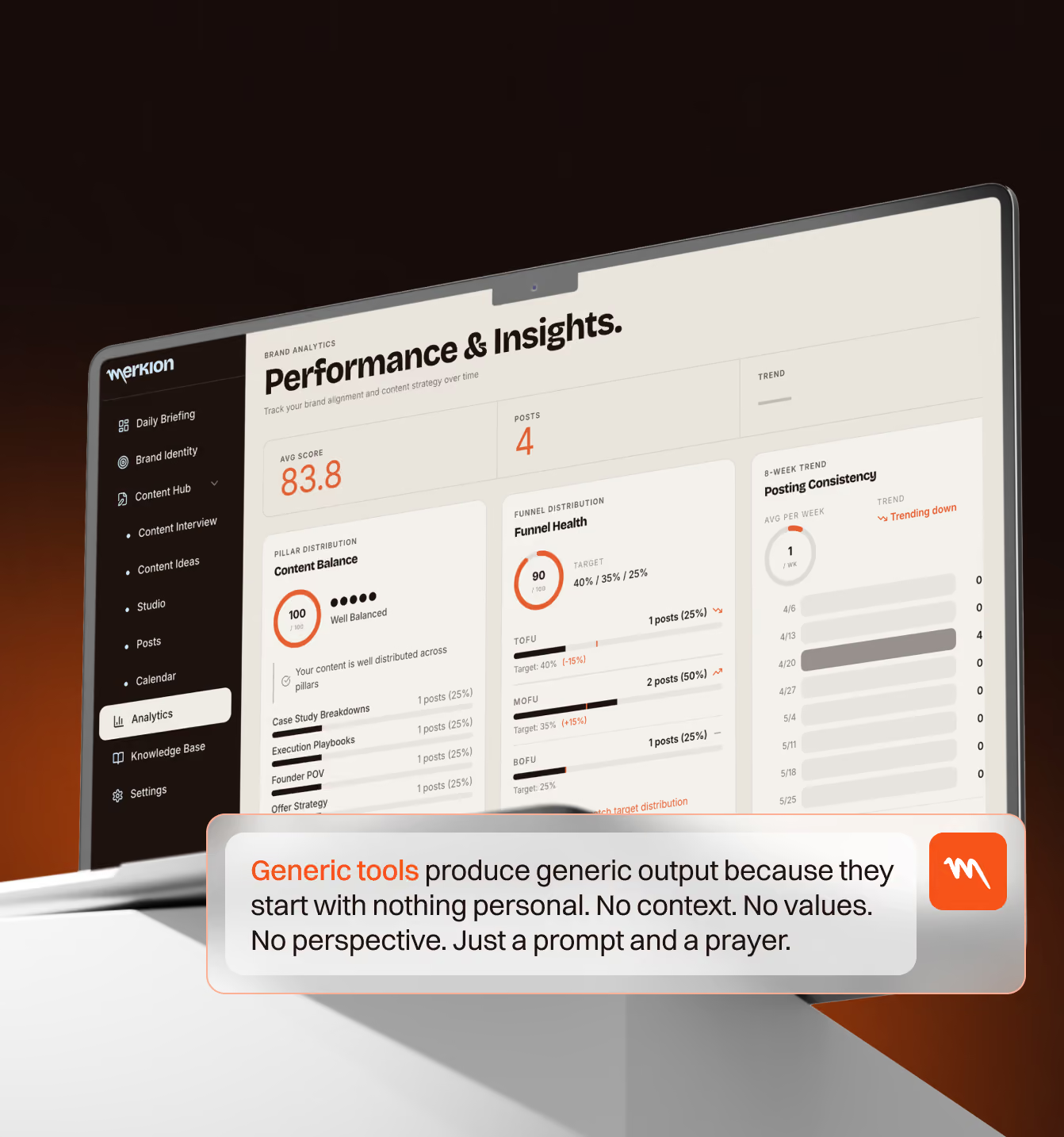
Language models predict the most likely next words. Ask for "a LinkedIn post about leadership" and you get the most likely LinkedIn post about leadership: the average of thousands of posts that already exist. That is the opposite of what a personal brand needs.
The model is not the problem. The input is. A one-line prompt contains no experience, no opinion and no story. The model fills the gap with clichés.
The patterns readers spot instantly
- Hooks like "Here's the truth nobody tells you" or "I was wrong about X."
- Every paragraph is one sentence long.
- Lists of exactly three things, every time.
- Words nobody uses in conversation: "game-changer", "unlock", "navigate", "landscape", "delve".
- A lesson with no story behind it.
- A closing question that exists only to farm comments.
One of these is fine. Four in one post and readers stop trusting the person behind it.
How to use AI without losing your voice
1. Start from your raw input, not a prompt
Write or record what actually happened first: the customer call, the decision, the numbers, the mistake. Messy is fine. That raw material is the part AI cannot invent, and it is the part your audience cares about.
2. Give it your identity
Before asking for help, give the tool a short description of who you are: your positioning, your audience, your opinions and the phrases you never use. Without this, every tool defaults to the average LinkedIn voice.
3. Use AI to structure and question, not to write
Ask it to find the strongest point in your notes, suggest an order, or point out where your argument is weak. Ask it what a sceptical reader would push back on. Then write the post yourself. You will be faster than you think, because the hard part, knowing what to say, is already done.
4. Edit for specifics
Go through your draft and replace every general claim with a specific one. "We grew fast" becomes "We went from 3 to 40 customers in five months." "I learned a lot about hiring" becomes the one hiring mistake you would never make again. Specifics are the fastest way to sound like a person.
5. Run a sameness check
Before publishing, ask: could a competitor post this word for word? If yes, it is not a personal brand post yet. Add your story, your numbers or the opinion that makes some people disagree with you.
A quick before and after
Before (generic): "Consistency is the key to success on LinkedIn. Show up every day, provide value, and watch your network grow."
After (specific): "I posted 31 times in January and twice between February and May. The 31 posts got me three sales calls. The silence got me nothing. This time I'm posting twice a week and protecting it like a board meeting."
Same idea. Only one of them sounds like someone you would want to talk to.
Where Merkion fits
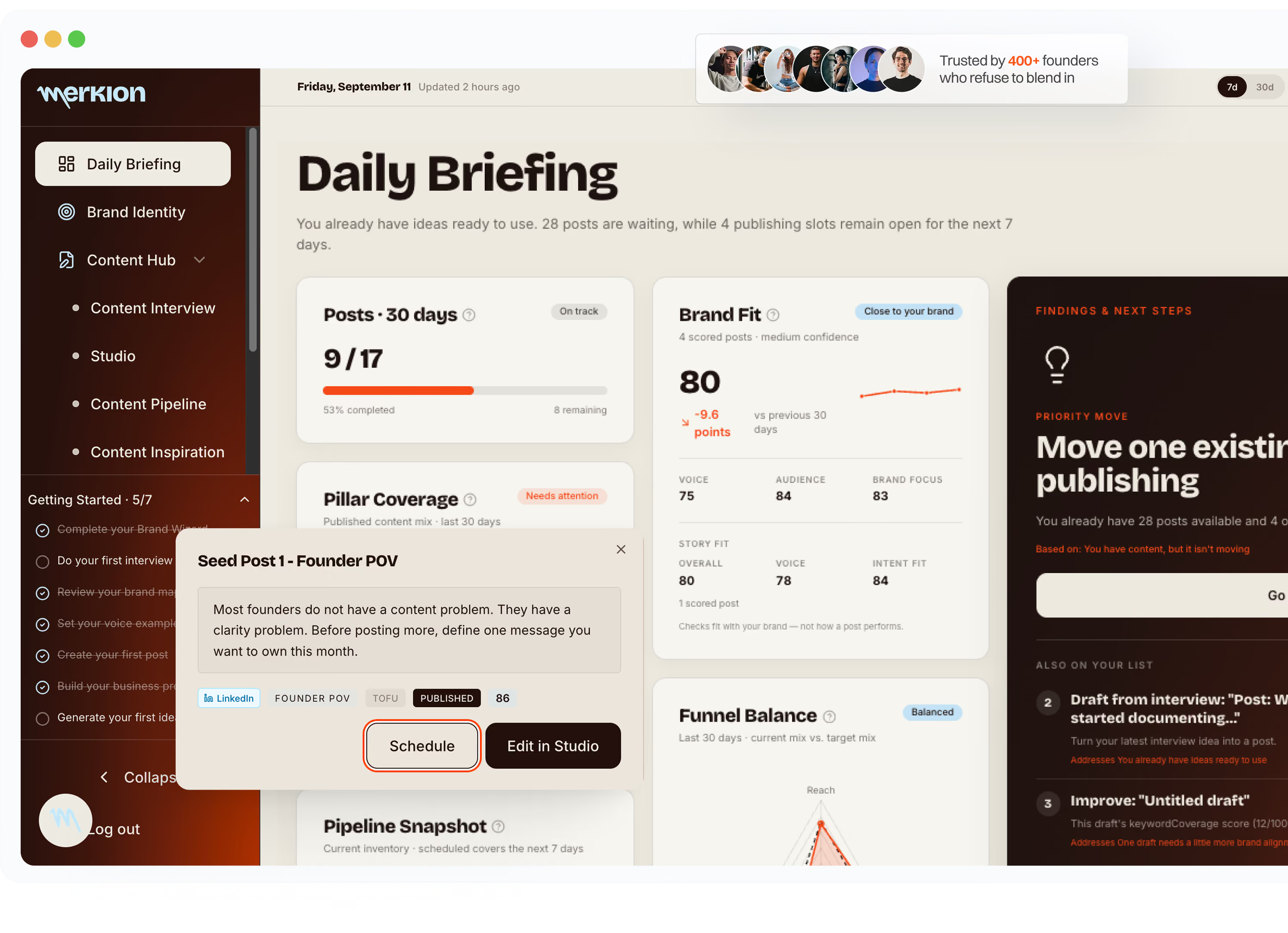
Merkion is built on this exact principle. It never writes your posts. Instead it builds your Brand Map from 14 branding questions, turns your daily work into topics through the Content Interview and gives every draft a Brand Fit score that flags when you are drifting into generic territory. See how the app works.
Build a founder brand that sounds like you.
Start with your Brand Map. Merkion never writes your posts.